Group insurance
Check your healthcare coverage
Is my health care covered?
Get healthcare reimbursement information in the tool available in the Client Centre.
On beneva.ca
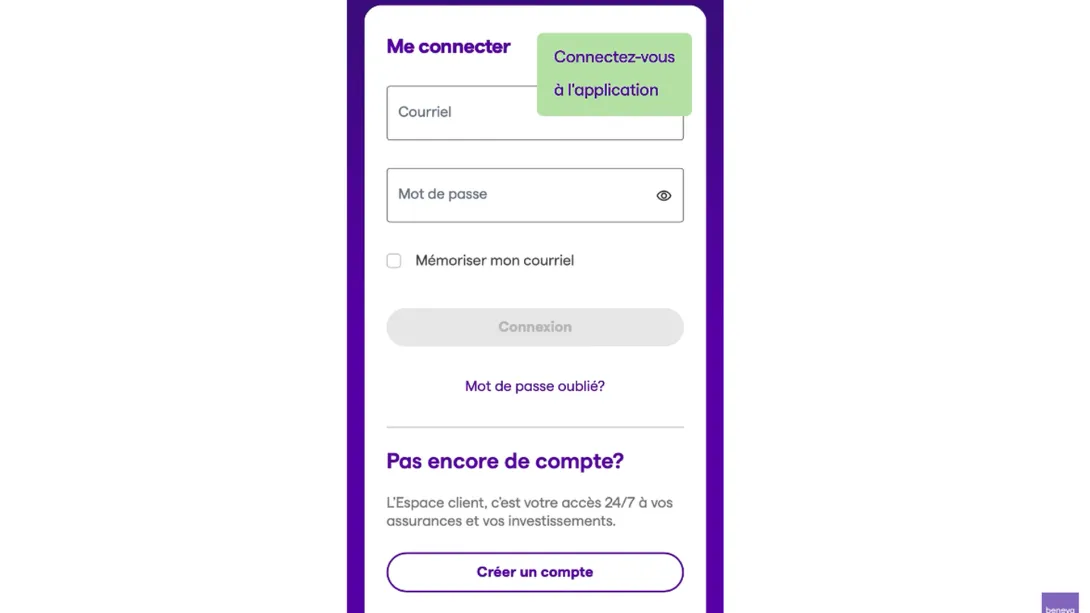
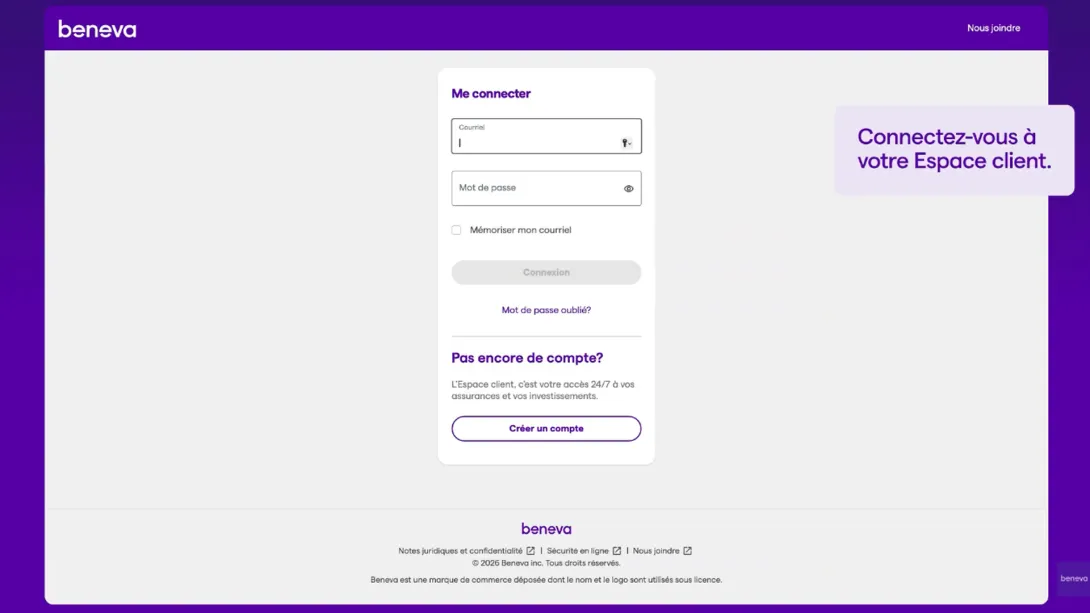
- Log in to the Client Centre
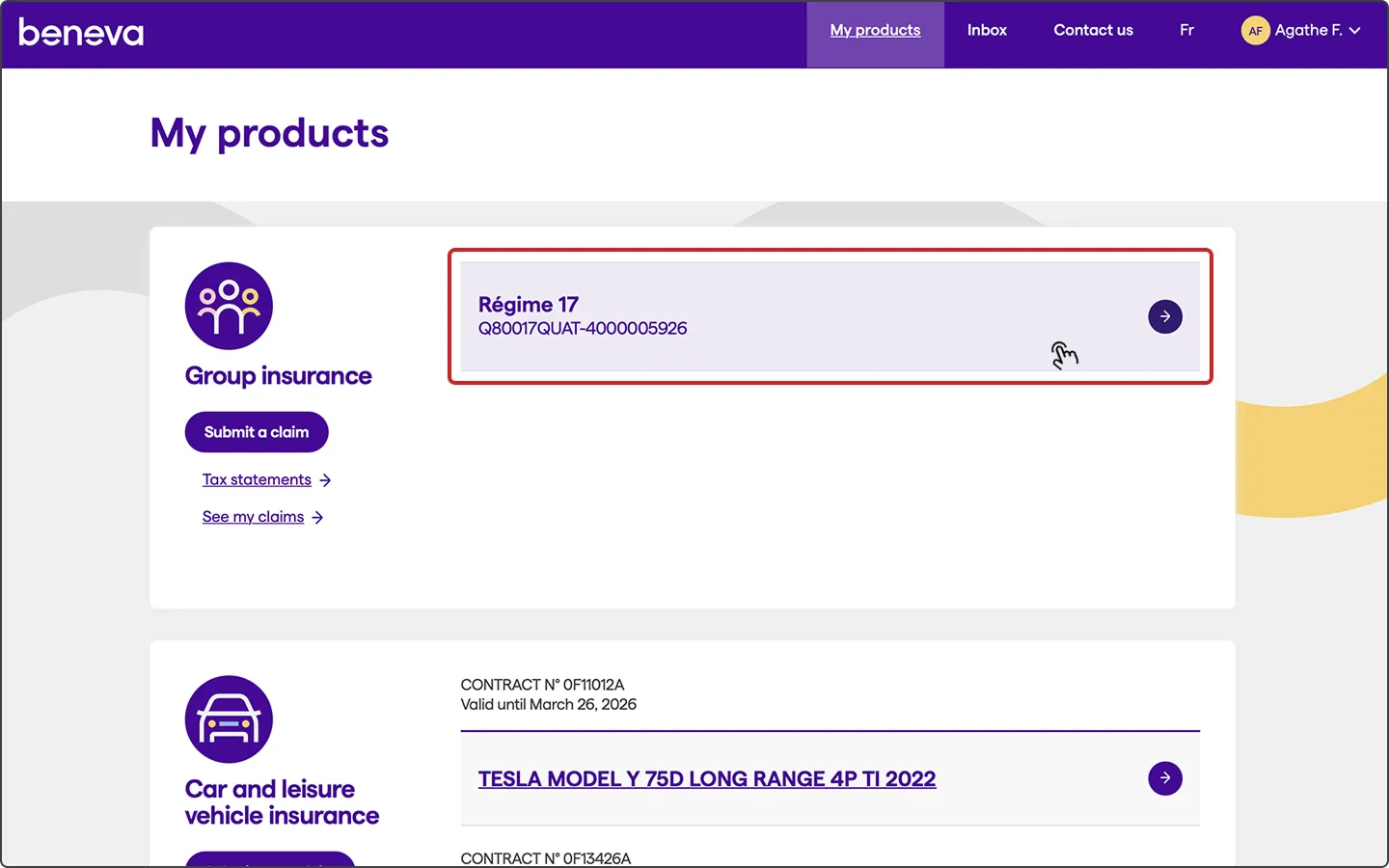
- Select your group insurance product
On the mobile app
When opening the app, your group insurance product is automatically displayed.
On beneva.ca
- Go to Estimate the reimbursement
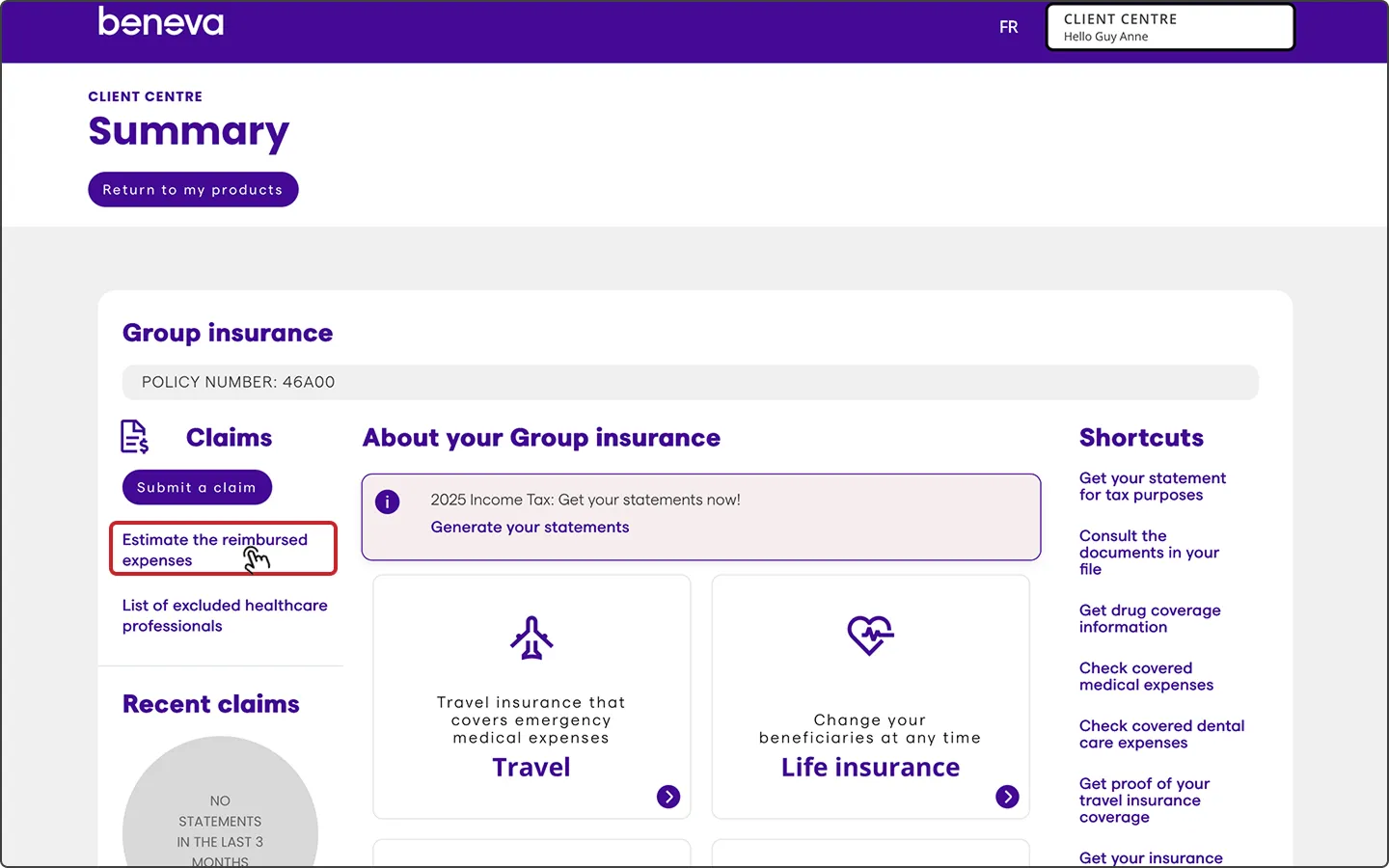
- Select the healthcare or equipment you are claiming, and provide additional information, if any
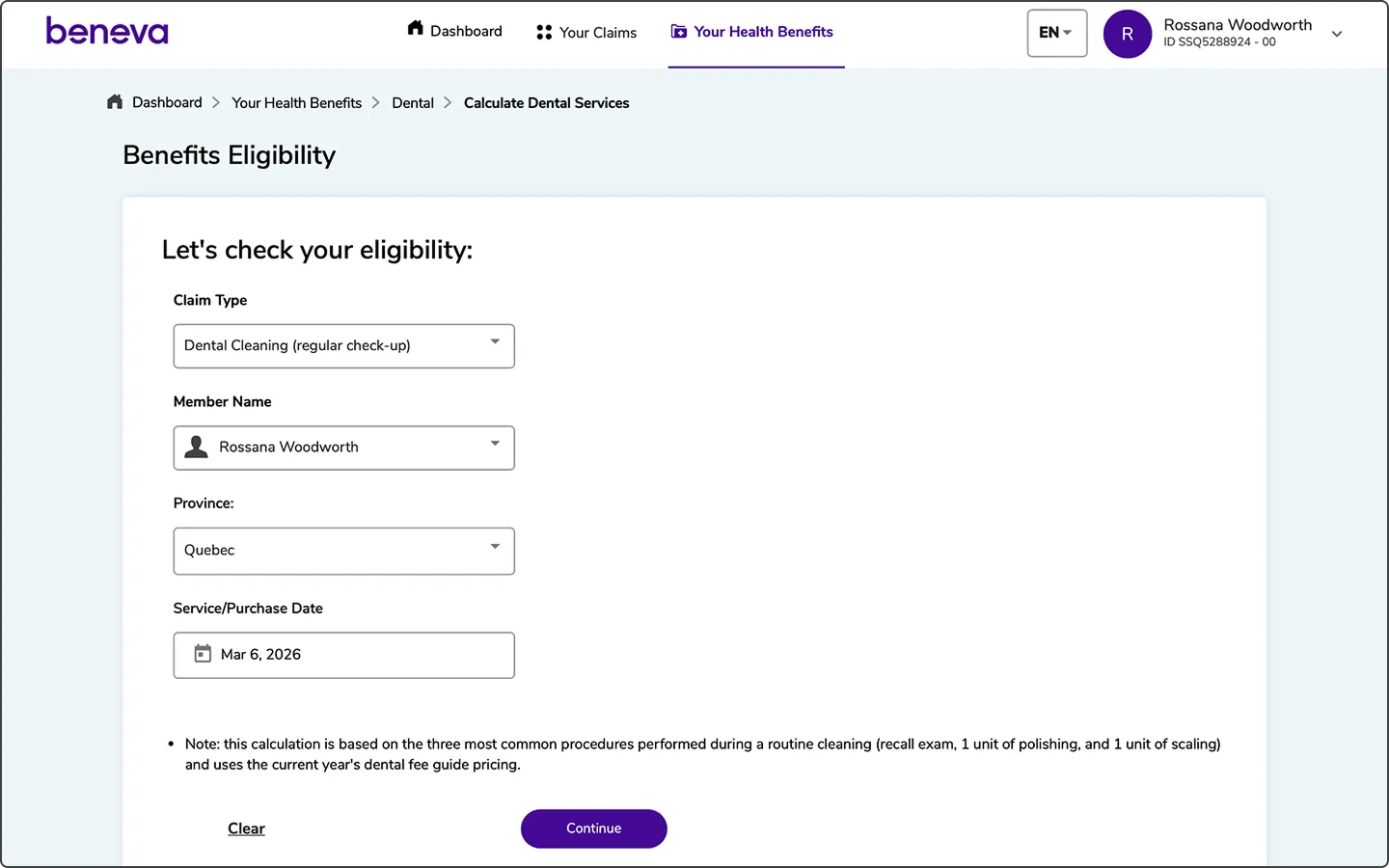
- To check your coverage:
- For a prescription drug: enter the drug name of DIN and click Search
- For a healthcare service or treatment: fill out the fields and click Continue
On the mobile app
- Select the healthcare or equipment you are claiming, and provide additional information, if any
- To check your coverage:
- For a prescription drug: enter the drug name of DIN and tap Search
- For a healthcare service or treatment: fill out the fields and tap Continue
For more information, consult your group insurance plan booklet. To find the booklet, go to Consult the documents in your file under Shortcuts in your group plan Summary.
On beneva.ca
On the mobile app